Description
Keep your books and get ready for Making Tax Digital, without paying for monthly software
From 6 April 2027, around a million more sole traders and landlords with qualifying income over £30,000 must keep digital records and send HMRC an update every quarter. This kit gives you a simple, tidy spreadsheet to do the record-keeping part, and shows you exactly what to send.
What’s included
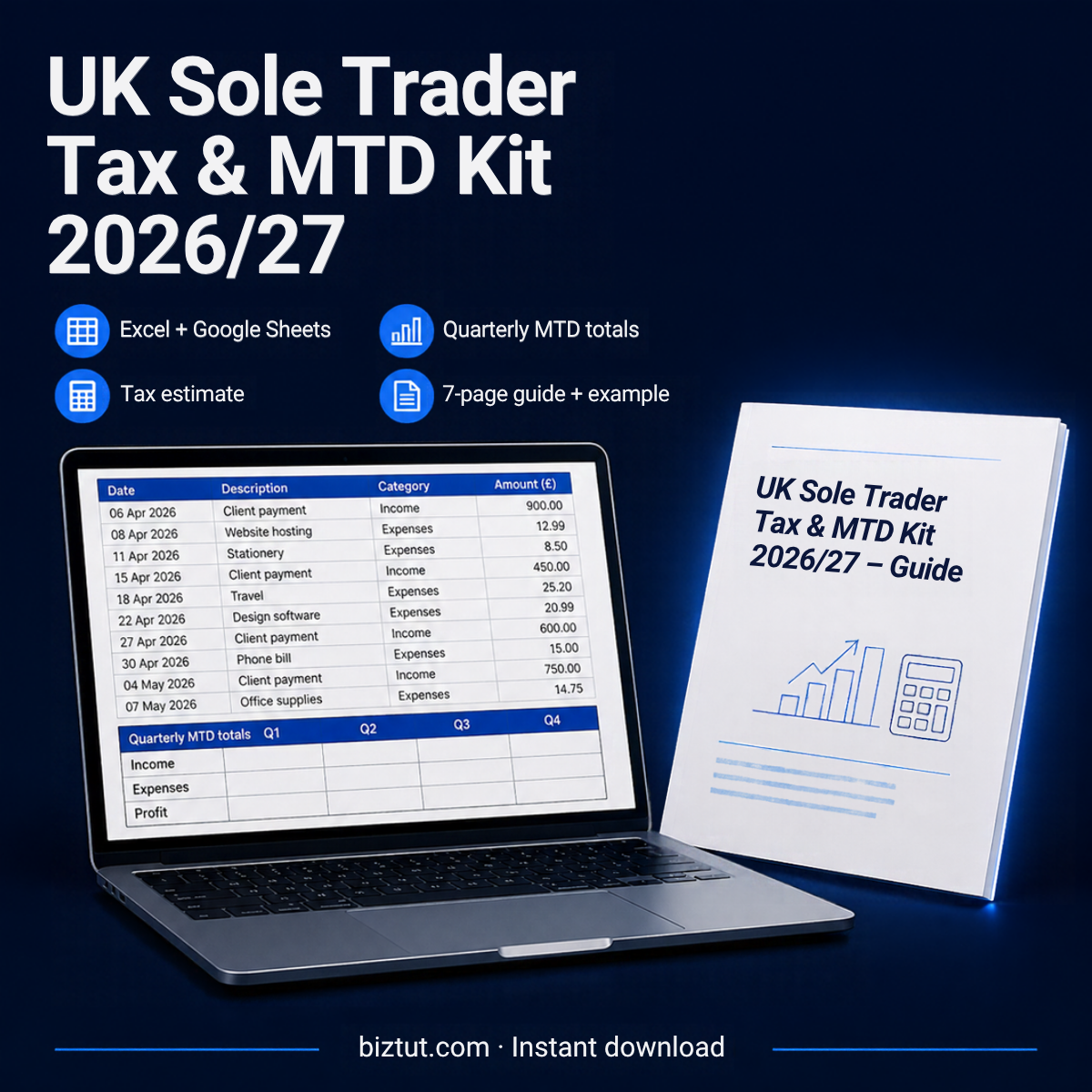
- The spreadsheet (Excel .xlsx, also opens in Google Sheets). Tabs for Income, Expenses, Mileage and Use of Home, plus an MTD Quarterly summary, a Bridging Export tab, a Tax Estimate and an MTD Checklist.
- A filled-in example for a made-up design studio, so you can see how every tab works.
- A 7-page PDF guide covering who needs MTD and when, how to record each item, your quarterly routine, bridging software and payments on account, plus a printable checklist.
What it does for you
- Sorts your expenses into HMRC’s self-employment categories with a simple drop-down, including a business-use % for things like your phone.
- Adds HMRC’s flat rates for mileage (45p/25p a mile) and working from home (£10 to £26 a month).
- Works out each quarter’s totals and the year-to-date figures MTD asks for, on standard or calendar quarters.
- Flags mistakes in red: a missing category or a date outside the tax year.
- Estimates your Income Tax (England, Wales and NI or Scottish rates), Class 4 National Insurance, payments on account and how much to set aside each month.
Who it’s for
- Sole traders and freelancers joining MTD in April 2026, 2027 or 2028
- Anyone below the MTD thresholds who wants tidy records for their Self Assessment return
- People who are happy with a spreadsheet and don’t want another monthly subscription
Please read before you buy
- This is a record-keeping and planning spreadsheet. It is not HMRC-recognised software and cannot send anything to HMRC by itself. If you’re in MTD, you’ll link it to HMRC-recognised bridging software (some have free options). The guide explains how.
- It’s built for sole traders who aren’t VAT-registered. It doesn’t cover property income, partnerships or limited companies.
- The tax figure is an estimate to help you plan, not tax advice. It doesn’t include things like pension contributions, student loans or Child Benefit charges.
- Rates checked against GOV.UK on 13 November 2026.
FAQs
Does it work on a Mac or in Google Sheets? Yes. It works in Excel for Windows and Mac, Excel online and Google Sheets. There are no macros.
Can I use a spreadsheet for Making Tax Digital? Yes, as long as HMRC-recognised bridging software reads the figures from it digitally. Copying figures across by hand isn’t allowed.
How do I get it? You’ll get a download link straight after checkout and by email.
Questions? Email admin@biztut.com.





Reviews
There are no reviews yet.